Bugs in Logic
Published on March 18, 2024 | By Nisha Paudel
Six years ago, when I first started learning programming, debugging my code felt like solving a crime scene investigation. I’d stare at my screen for hours trying to find out why my script wasn’t working.
Fast forward to today, and AI tools can help new programmers detect syntax and semantic errors in seconds. Sounds great, right? Well, here’s the catch—AI is still clueless when it comes to logical errors.
You see, AI doesn’t think like a human (yet). It can analyze patterns and syntax, but it doesn’t truly understand what the code is supposed to do.
Types of Errors
Syntax Errors: The Grammar Police
Syntax errors happen when you break the language’s grammatical rules. Computers are like strict English teachers—they won’t tolerate a single missing comma or bracket.
print "Hello, world!" # SyntaxError: Missing parentheses in call to 'print'Semantic Errors: When Code Makes Sense but Doesn’t
y = banana + 5 # TypeError: can only concatenate str (not "int") to strPython: “Oh, you wanted to do math? Too bad! I thought you were trying to write a weird sentence.”
Logical Errors: Bugs in Logic
Now, here’s where things get tricky. Logical errors don’t crash your program. They don’t throw an error message. Instead, they quietly sit there, producing the wrong results.
def is_even(n):
    return n % 2 == 1  # Incorrect logic: should be n % 2 == 0
Expected output: True for even numbers, False for odd numbers.
Actual output: Exactly the opposite.
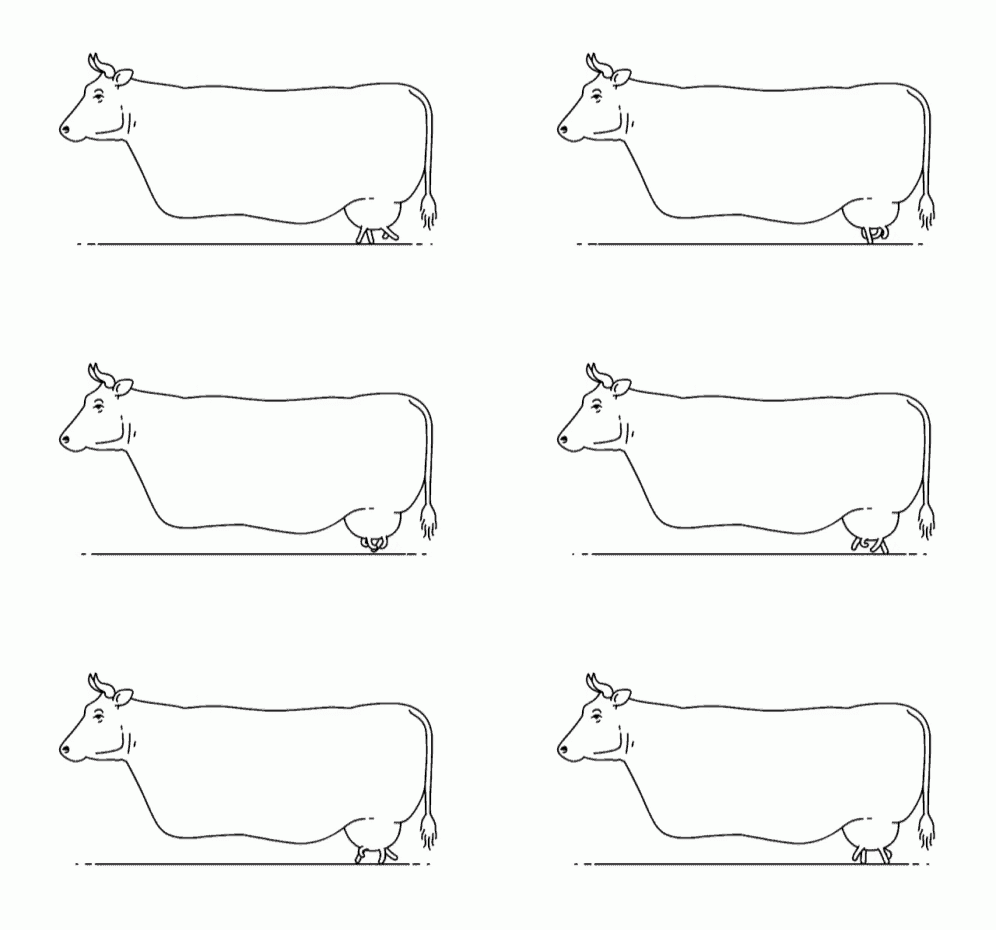
Here is my favorite meme to represent a logical error. Yes, the cow is running!
Moral of the Story
AI is an amazing tool, but it’s not a substitute for understanding your own code.